Object Builder
A downloadable tool
Object Builder
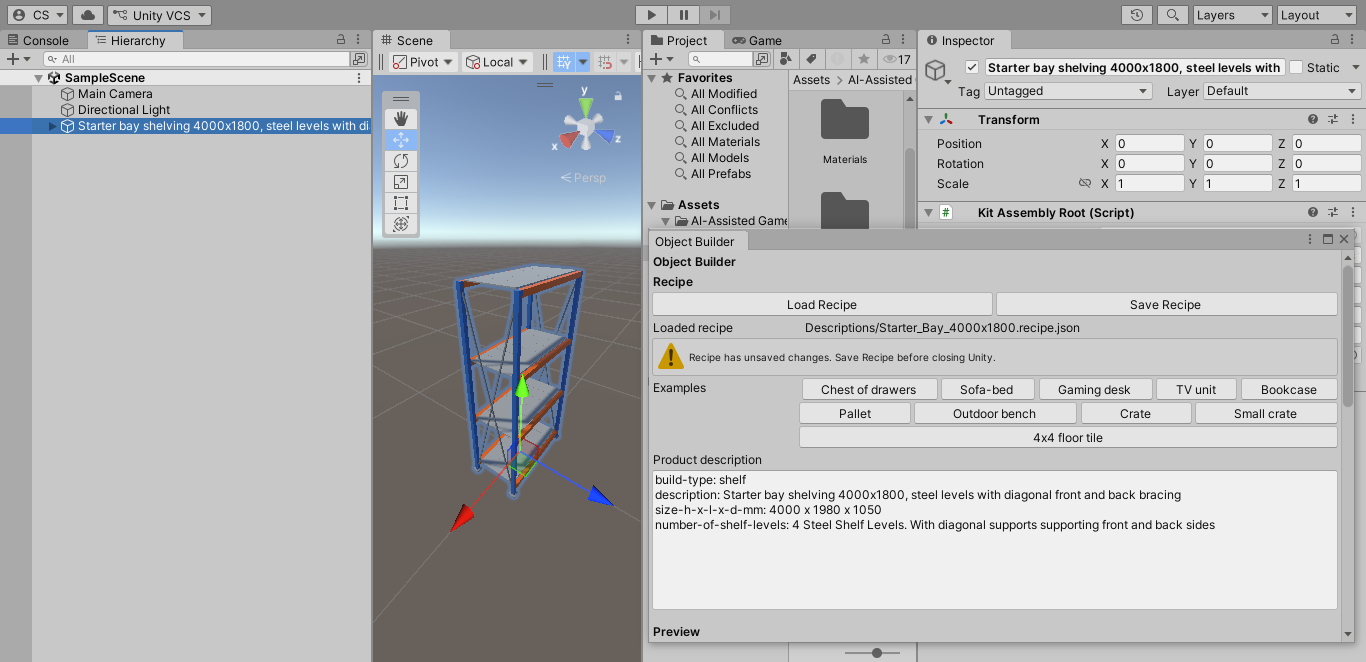
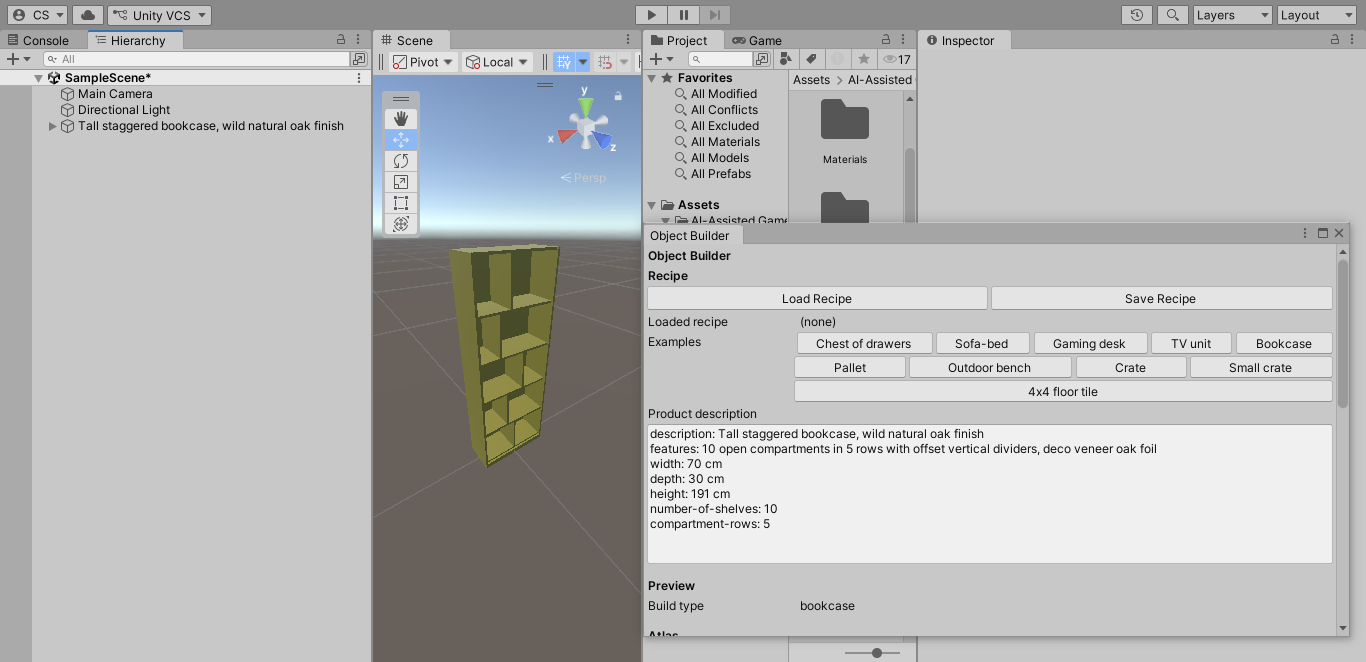
Build scaled, coloured 3D block-outs in Unity from simple product descriptions. After a build, you can recolour parts, edit areas of the mesh, and later swap in professional art at the same footprint — each build is tracked, so replacement stays straightforward.
Day to day: paste or load a description (or a shipped recipe) and build locally — no AI requests.
When you need help: only to add a new kind of product to the library, bring a reference to an AI assistant you already use; once it’s set up, you build it again without AI requests.
Includes
- Object Builder window — recipes, examples, descriptions, atlas colours, build options
- Shipped recipe library and product types for a first Build out of the box
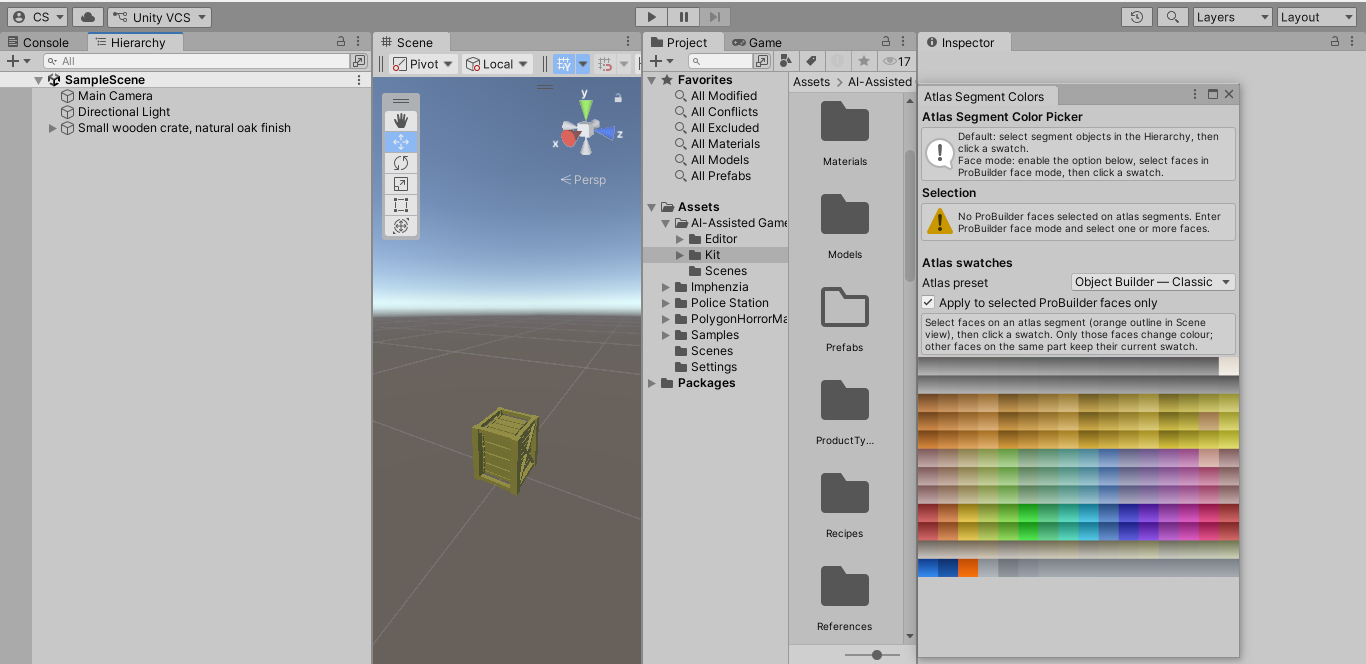
- Atlas tools — Classic / Studio / Custom presets, segment colour picker, colour atlas editor
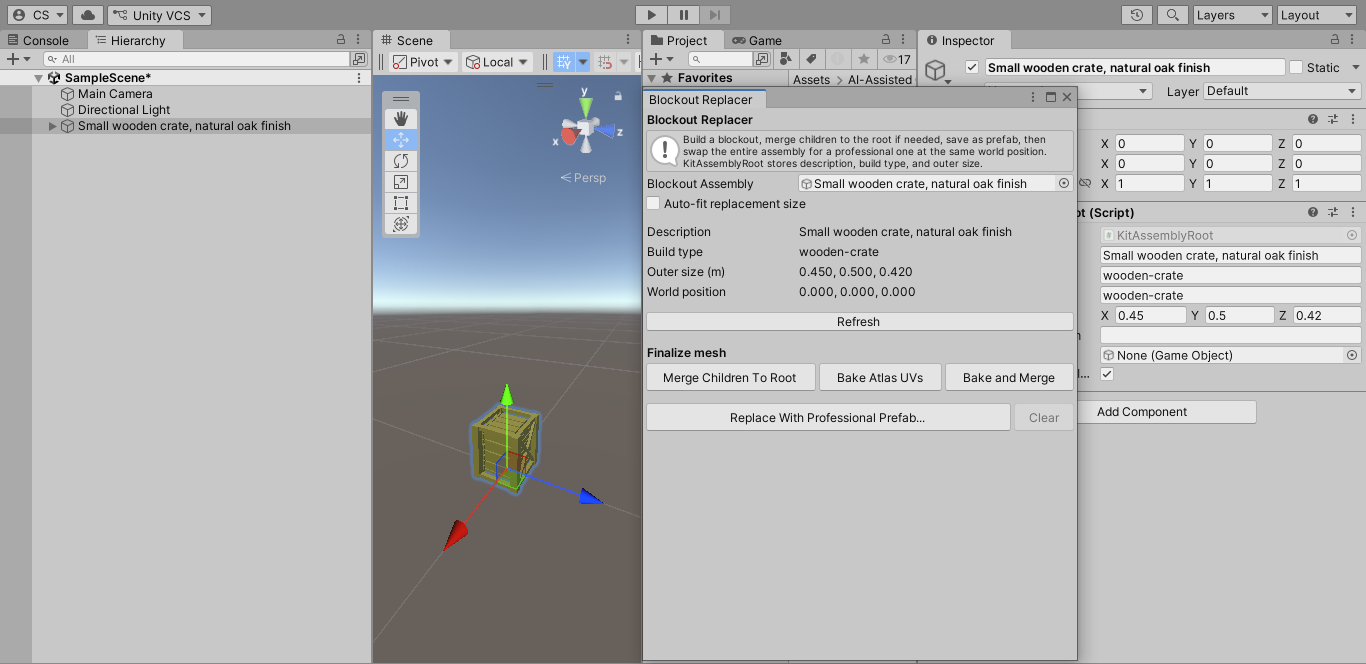
- Blockout Replacer — swap a blockout for a finished prefab
- Export options — prefab, OBJ, merge/bake helpers
Requires
- Unity 2022.3 or compatible LTS
- Unity ProBuilder is free from the Package Manager (Unity Registry). Object Builder uses it for editable meshes. On first import, this kit can add ProBuilder for you (internet required), or install it via Window → Package Manager → Unity Registry → ProBuilder.
If you find the tool helpful, please consider donating to your local Cancer Charity
Download
Install instructions
- You need Unity 2022.3 (or a compatible LTS) installed.
- Create a new Unity project (Built-in Render Pipeline is the default this kit ships for; URP works with the included conversion guide).
- Download Object Builder. unitypackage from this page.
- In Unity: Assets → Import Package → Custom Package… and select the downloaded file. Import everything.
- Keep the folder named
AI-Assisted Game DevelopmentunderAssets/(do not rename it). - Unity ProBuilder is required. It is free from the Unity Registry.
- On first import, the kit may add it automatically (internet required; often 1–3 minutes — watch the Console for
Object Builder: Package Dependency). - Or install manually: Window → Package Manager → Unity Registry → ProBuilder → Install.
- On first import, the kit may add it automatically (internet required; often 1–3 minutes — watch the Console for
- When import/compile has finished, open Tools → AI-Assisted → Object Builder.
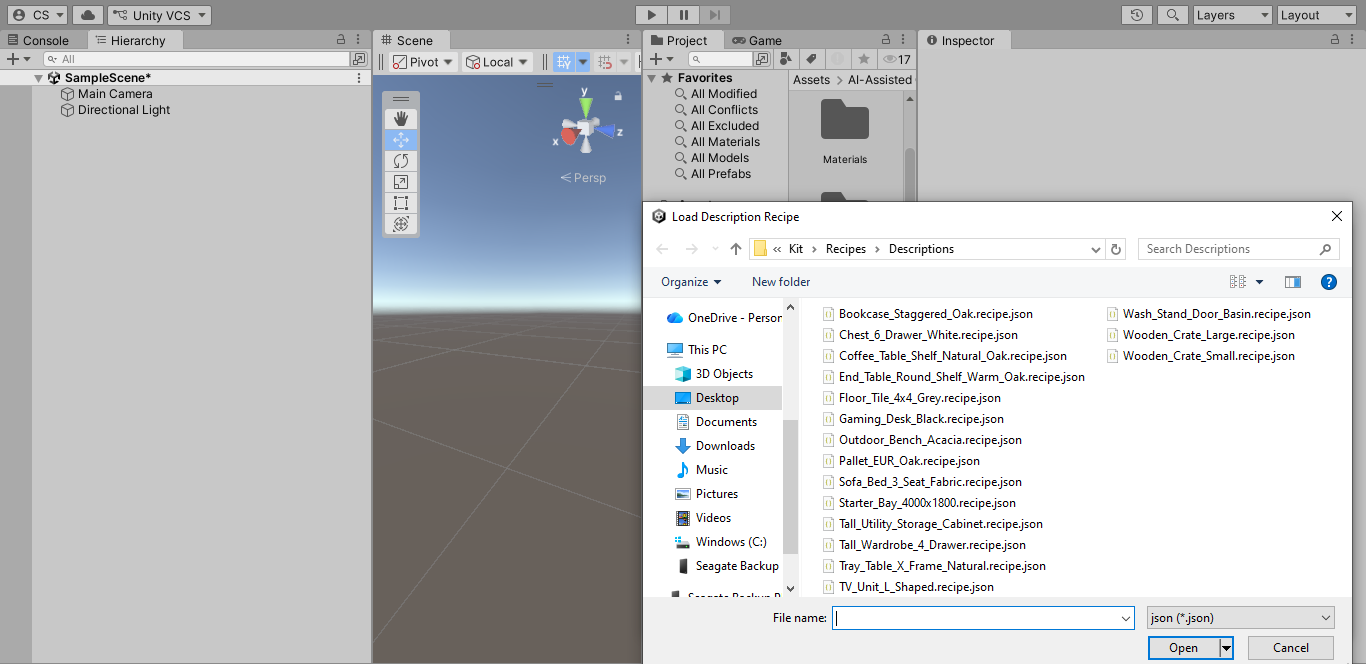
- Click an example button or Load Recipe, then Build Object.
Offline docs: open User-Guide-Local in that folder.
Leave a comment
Log in with itch.io to leave a comment.