Save & Loading system for invector 3rd-Person Controller
Try before you buy — this is the exact system used in the Asset Store package.
https://assetstore.unity.com/packages/tools/integration/save-loading-system-for-...
Android Mobile Demo https://app.box.com/s/wfbaa8w0ow9ek6020s4heda52oaqyidq
🎮 Colpolstudios Save System – Live Runtime Demo
Built for the Invector 3rd-Person Controller
This playable demo showcases a fully functional scene-based save/load framework designed specifically for Invector-powered projects.
This is a stand-alone save system that integrates with Invector controllers without modifying or including any Invector assets.
Requires: Invector Third Person Controller - Shooter Template (sold separately).
Test the system in a real WebGL build and see how it handles dynamic enemies, pickups, destructibles, and transitions — all at runtime.
✅ What This System Saves
-
Player position, health, and full inventory
-
Scene pickups (collected or not)
-
Scene enemies (alive/dead state, health, position)
-
Spawned backup enemies
-
Level door transitions (auto-save on exit)
Each scene uses independent save slots for deterministic restoration.
🚀 Key Features Demonstrated
-
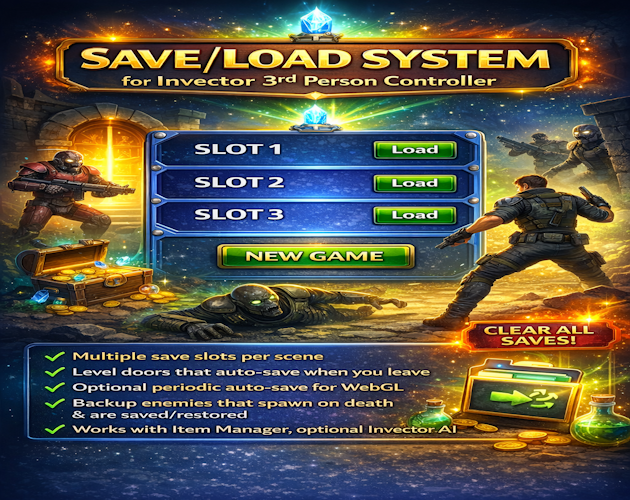
Multiple save slots per scene
-
Runtime-spawned backup enemies fully restored
-
Optional periodic auto-save (WebGL safe)
-
New Game / Clear All Saves system
-
Works with:
-
Invector Item Manager
-
vHealthController
-
Optional Invector AI (FSMAI)
Optional Invector Cover Shooter Addon
-
Enemies can target each other — use that to your advantage.
🎯 How To Test It
-
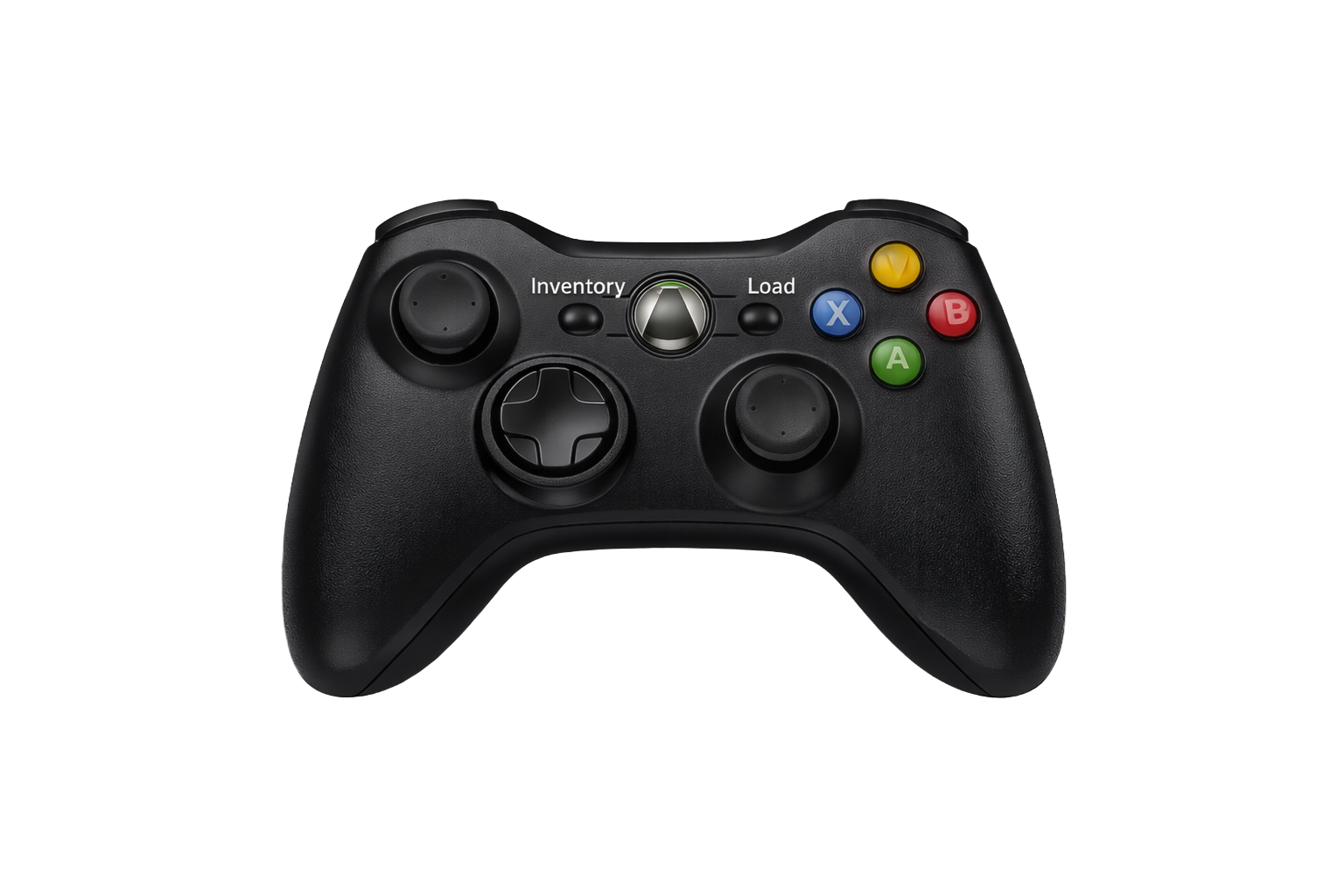
Hold E to save at any time
-
Press Enter to load
-
Use E at Save Trigger zones
-
Press Delete to clear all saves (Developer key enabled in this demo)
Best experienced in full-screen mode.
🎮 Controller Users
On the Title Screen: Move the left joystick to activate the cursor.